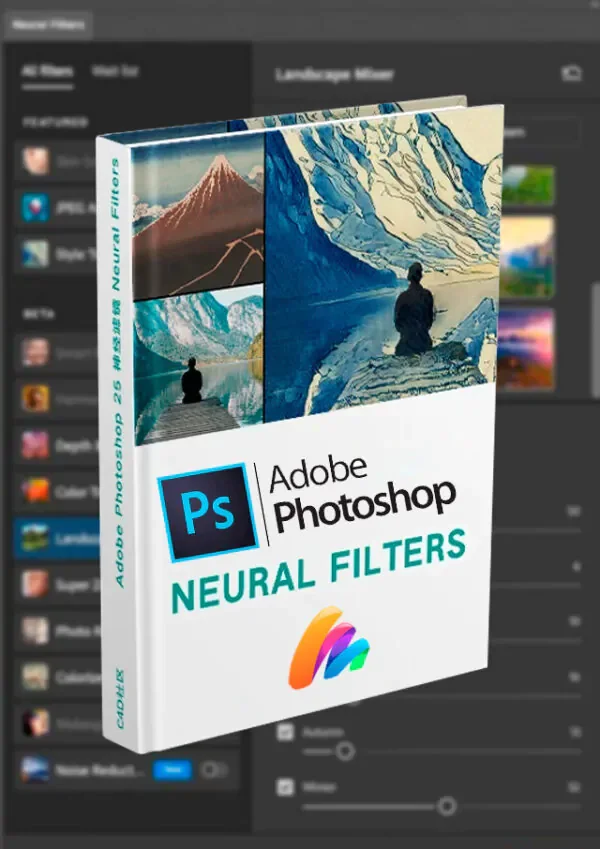
Adobe Photoshop Neural Filters: AI Editing | Complete Guide
Category:
Tags:
Tempo de Uso e Updates
Description
Adobe Photoshop Neural Filters: The Future of Editing with Artificial Intelligence
Adobe Photoshop Neural Filters represent a revolutionary leap in the world of image editing, bringing the power of artificial intelligence to transform photos quickly, intuitively, and with incredible precision. This innovative technology uses neural networks to apply advanced effects with just a few clicks, allowing for everything from minor adjustments to complete modifications of faces, colors, and scenes.
Whether you are a professional designer, photographer, or editing enthusiast, Neural Filters provide a new level of creativity and automation, allowing you to save time and achieve impressive results with ease.
🧠 What Are Neural Filters? Neural Filters are a set of tools based on machine learning, capable of intelligently analyzing, processing, and modifying images. They are designed to simplify complex tasks, providing realistic results without the need for exhaustive manual adjustments.
With this technology, it's possible to alter facial expressions, improve the quality of old images, modify lighting, and even transform photos into artistic styles, all with just a few clicks.
🚀 Functionalities and Key Features
🎨 Automatic Colorization Realistically transform black and white images into color versions. The AI analyzes the image's composition and applies natural colors, preserving shadows and details. Ideal for restoring old photos or bringing artistic creations to life.
🔍 Facial Enhancement and Expressions Edit facial expressions, changing smiles, age, and even the subject's mood. Neural Filters allow you to increase or reduce wrinkles, raise eyebrows, soften under-eye circles, and modify features without compromising the image's natural look.
📷 AI-Powered Background Blur Create a professional depth-of-field effect by applying a realistic blur to the image background, making the main subject stand out without needing complex manual editing techniques.
🖼️ Super Resolution and Image Restoration Enhance low-quality images by increasing their resolution without losing detail. Photoshop's AI analyzes pixels and recreates textures and edges, making images sharper and more detailed.
🖌️ Artistic Styles and Creative Filters Apply filters that transform images into paintings, illustrations, or works inspired by the styles of renowned artists. These effects are ideal for giving an artistic and unique touch to your creations.
💡 Smart Lighting Automatically adjust the image's lighting, simulating different light sources and correcting shadows and highlights naturally and realistically.
📜 JPEG Artifact Removal Eliminate distortions and noise caused by compression in JPEG images, recovering quality and smoothing imperfections without compromising sharpness.
🌌 Scene Generation and Smart Fill Fill in missing parts of an image or create new scenes using artificial intelligence. The system analyzes the photo's context and generates elements that fit perfectly into the composition.
📌 Advantages of Adobe Photoshop Neural Filters
✅ Fast and intuitive editing – Impressive results with just a few clicks. ✅ Time-saving – Complex tasks are done automatically. ✅ Realistic results – Advanced filters that preserve the image's natural look. ✅ Accessible for beginners and professionals – Easy-to-use interface, no advanced knowledge required. ✅ Integration with other Photoshop tools – Combine Neural Filters with layers, masks, and brushes to customize your edits even further.
🎯 Conclusion Adobe Photoshop Neural Filters are redefining the concept of image editing by uniting artificial intelligence and creativity in a single tool. With it, you can transform any photo intuitively, applying stunning effects and optimizing workflows.
If you are looking for innovation and convenience in editing, this technology is a true game-changer! 🚀
Related Products


Reviews
There are no reviews for this product yet.