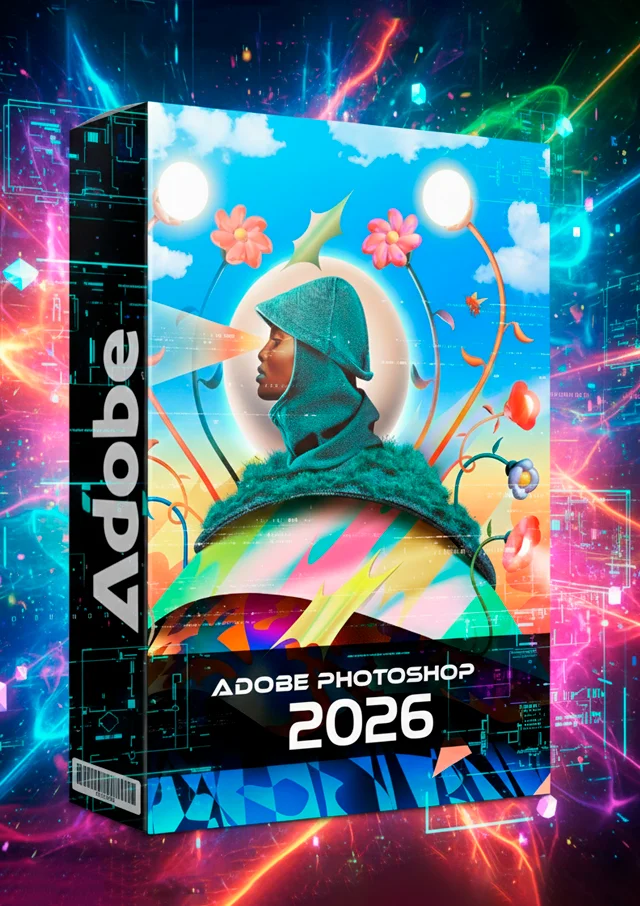
Adobe Photoshop 2026 - A Revolução da Edição de Imagens com Inteligência Artificial
Categoria:
Tags:
Tempo de Uso e Updates
Descrição
Adobe Photoshop 2026: A Revolução da Edição de Imagens com Inteligência Artificial
O Adobe Photoshop 2026 chegou, consolidando a posição da Adobe como líder indiscutível no software de edição de imagens. Esta versão não é apenas uma atualização, mas sim um salto quântico na produtividade e criatividade, impulsionado por recursos avançados de Inteligência Artificial (IA) e aprendizado de máquina. Se você é um designer gráfico, fotógrafo profissional ou apenas um entusiasta, o Photoshop 2026 está prestes a transformar seu fluxo de trabalho.
🚀 Principais Novidades e Recursos do Photoshop 2026
As inovações desta edição focam em tornar tarefas complexas instantâneas e abrir novas fronteiras criativas. O grande destaque é o profundo investimento em recursos de IA, tornando a edição mais intuitiva e poderosa do que nunca.
1. Preenchimento Generativo 3.0 (Generative Fill 3.0)
A funcionalidade Generative Fill (Preenchimento Generativo), um sucesso nas versões anteriores, recebe uma grande melhoria no Photoshop 2026. Agora, com a versão 3.0, a precisão e a coerência contextual das imagens geradas por IA são significativamente superiores. Este é um dos motivos mais fortes para fazer o download do Photoshop 2026.
As melhorias do Generative Fill 3.0 incluem:
- Coerência Aprimorada: A IA agora entende melhor a perspectiva, iluminação e o estilo de ruído da imagem original, resultando em adições ou remoções de objetos que se integram perfeitamente.
- Controle de Estilo: Novos controles permitem que os usuários "direcionem" o estilo da geração (por exemplo, "realista", "pintura a óleo", "desenho vetorial"), oferecendo controle criativo sem precedentes sobre os resultados da IA.
2. Edição de Vídeo Integrada (Photoshop Video Canvas)
Pela primeira vez, o Photoshop 2026 introduz um Canvas de Vídeo nativo, projetado para tarefas rápidas de edição e manipulação de vídeo que antes exigiriam o Adobe Premiere Pro ou After Effects. Essa funcionalidade promete simplificar o fluxo de trabalho de criadores de conteúdo que trabalham com mídias mistas.
Os recursos de vídeo permitem:
- Aplicar ajustes de cores, filtros e efeitos diretamente em clipes de vídeo curtos usando as camadas e ferramentas familiares do Photoshop.
- Utilizar uma nova ferramenta de Remoção de Fundo por IA para Vídeo, que permite a criação de máscaras de objetos em movimento em tempo real com alta precisão.
3. Filtros Neurais 2.0 (Neural Filters 2.0)
Os Filtros Neurais baseados em IA, que permitem alterações como mudar a expressão facial ou a estação do ano em uma foto, foram totalmente reescritos para a versão 2.0, oferecendo resultados mais rápidos e naturais.
As atualizações mais notáveis são:
- Resultados em Tempo Real: Muitos filtros agora são aplicados com latência quase zero, permitindo que os usuários vejam os resultados imediatamente.
- Filtro de Reiluminação Dinâmica: Uma ferramenta inovadora que permite alterar a fonte de luz e as sombras em uma imagem 2D de forma realista, uma funcionalidade incrivelmente útil para fotógrafos.
- Filtro de Profundidade 3D: Capacidade de inferir e ajustar a profundidade de campo após o fato, dando mais poder de pós-produção ao usuário.
4. Fluxo de Trabalho de Nuvem Otimizado
O Adobe Photoshop 2026 melhora significativamente a experiência de trabalho com documentos na nuvem (Creative Cloud), essencial para equipes e profissionais que trabalham remotamente. A colaboração nunca foi tão fácil no software de edição da Adobe.
Melhorias na Nuvem:
- Sincronização Instantânea: Projetos salvos na nuvem agora sincronizam em tempo real em diferentes dispositivos, facilitando o trabalho colaborativo.
- Versões Históricas Aprimoradas: O histórico de versões do documento na nuvem agora é mais detalhado e fácil de navegar, permitindo a recuperação rápida de estados anteriores do projeto.
✨ Por Que Fazer o Upgrade para a Versão 2026?
O Adobe Photoshop 2026 é a ferramenta definitiva para quem busca eficiência e inovação. A adoção massiva da Inteligência Artificial não só acelera o retoque e a composição, como também permite a criação de designs que antes eram considerados impossíveis. O tempo economizado nas tarefas repetitivas permite que designers e fotógrafos dediquem mais energia à criatividade pura, tornando esta uma atualização essencial.
Produtos Relacionados

ZapVoice: Áudios e Funis de Venda
R$ 129,00
Sound Labs
R$ 127,00
WhatsApp Marketing – Zapmarketing
R$ 97,00
RS Lead Extractor Business Ultimate
R$ 55,00Avaliações
Ainda não há avaliações para este produto.